



Wi-Fi is one of the most widely used network connections on your smartphone, helping you save valuable data costs. Most all of the time, when you connect to a Wi-Fi network, the password is stored automatically, and every time the device comes within the range of the network, it is automatically connected to it.

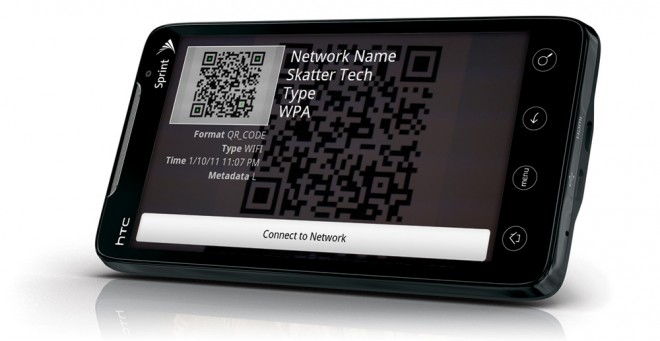
In this guide, you will learn how to share Wi-Fi via QR code on your phone.
- Just go to Settings app, please.
- Choose “Connections,” “Network & Internet” or similar options.
- Now press on the current Wi-Fi network to which you are connected. The method is especially useful for the network to which the device is currently connected.
- Tap the QR code at the bottom left-hand corner.
- QR Code will be generated on your device for other mobile devices that can be scanned to easily connect to your Wi-Fi network.
Devices android Based 10 and later have the option of scanning QR code in the phone’s Wi-Fi Settings menu. One doesn’t need to use a password to connect to the Wi-Fi network every time, you might forget. So, if someone wants to access the Wi-Fi network or if you want to access it using another device, you can do so easily using the QR code.