
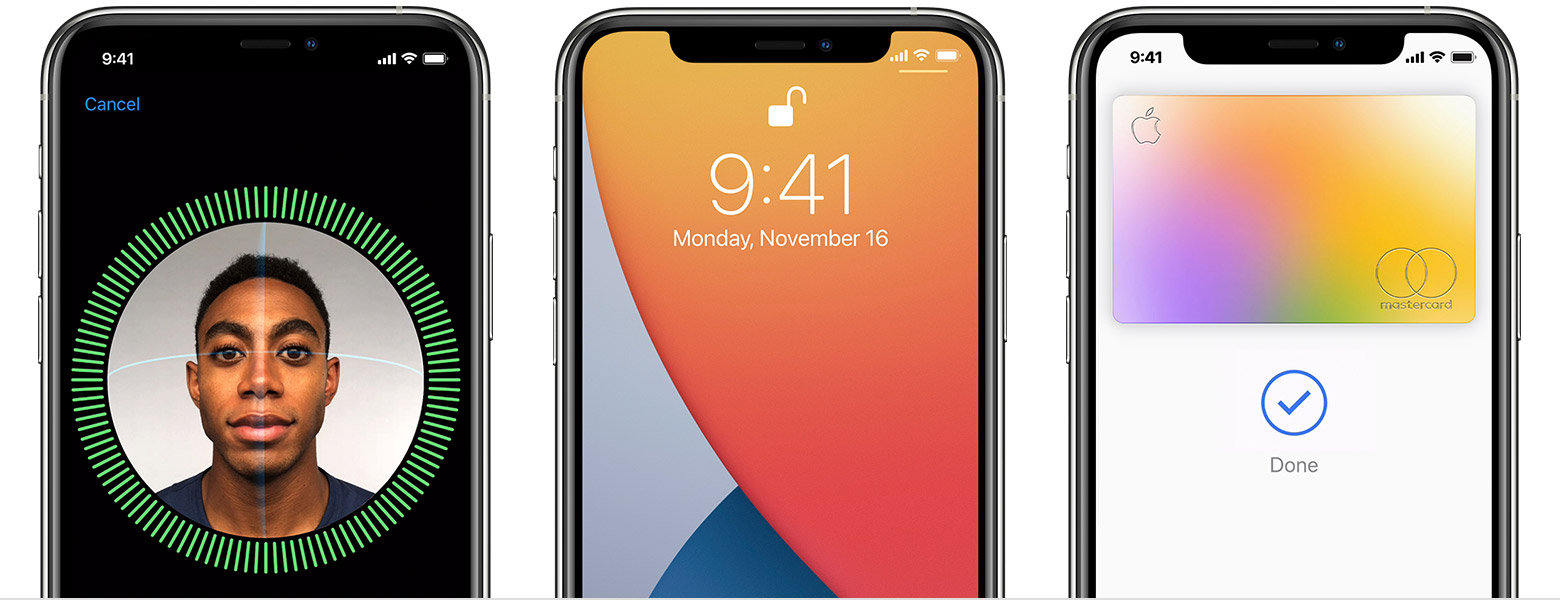
Do you have an iPhone? this is how you set up face ID for better security.
The curfew has forced all the members of a family into isolation. Being around everyone can sometimes make you wary about your privacy, especially that of your phone.
If you are one of those that do not use a screen lock, maybe it is time for you to put one. Better yet, if the screen lock is a mere passcode, which is not very secure relatively, you might need a step-up. We are talking about iPhone today and how you can tighten the security on it. If you have an iPhone X or later, Face ID is much more secure than the passcode.
The change to face ID.
Apple has ditched the Touch ID on iPhone X or later for the Face ID, which uses the front camera to scan the face to unlock the phone. The Face ID is facilitated by the True Depth camera on the iPhone that creates a map of your face and understands the changes that may occur over time.
It is capable of identifying different beard patterns, clean-shaven look, and more. Face ID is not only reliable but it also is quite fast. You normally set up Face ID when you are setting up the iPhone, but, in case, you skipped it, this is how you can enable it on your iPhone X, iPhone XR, iPhone XS, iPhone XS Max, iPhone 11, iPhone 11 Pro, and iPhone 11 Pro Max.
How to do it.
For registering your face, unlock your iPhone and quickly jump into the ‘Settings’. Now, search for ‘Face ID’ in the search box and you will be shown the results. Tap on ‘Face ID & Passcode’ from the search results. Then, you are required to tap on Set up Face ID, followed by a tap on ‘Get Started’. This step needs authorisation via the passcode that is already put. If you have no passcode either, you are mandatorily required to create one, which will act as a fallback authentication method in case Face ID fails, the phone is restarted, or the phone has not been locked in the past 48 hours.
Getting past everything, the iPhone will turn on the front camera and show a circle on the screen. This is how you will register your face — keep your face at least 10 inches away from the screen for proper mapping. Keep your face in the centre and rotate it in a circular motion unless the white line outside the circle turns green. This process will be repeated in the same manner. Also, keep in mind that if you wear glasses normally, wear them while scanning your face. While Face ID is intelligent enough to identify your face with or without glasses, it is well-advised.
Now, you have successfully set up Face ID on your iPhone. You can lock your iPhone and hold it in front of your face. The iPhone will be unlocked as soon as the screen is lit. To enter the home screen, you need to swipe up from the bottom. Face ID is also supported by a lot of apps for security. These apps include banking apps, Google Pay, PhonePe, and CRED among others.

